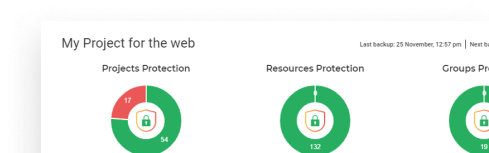




















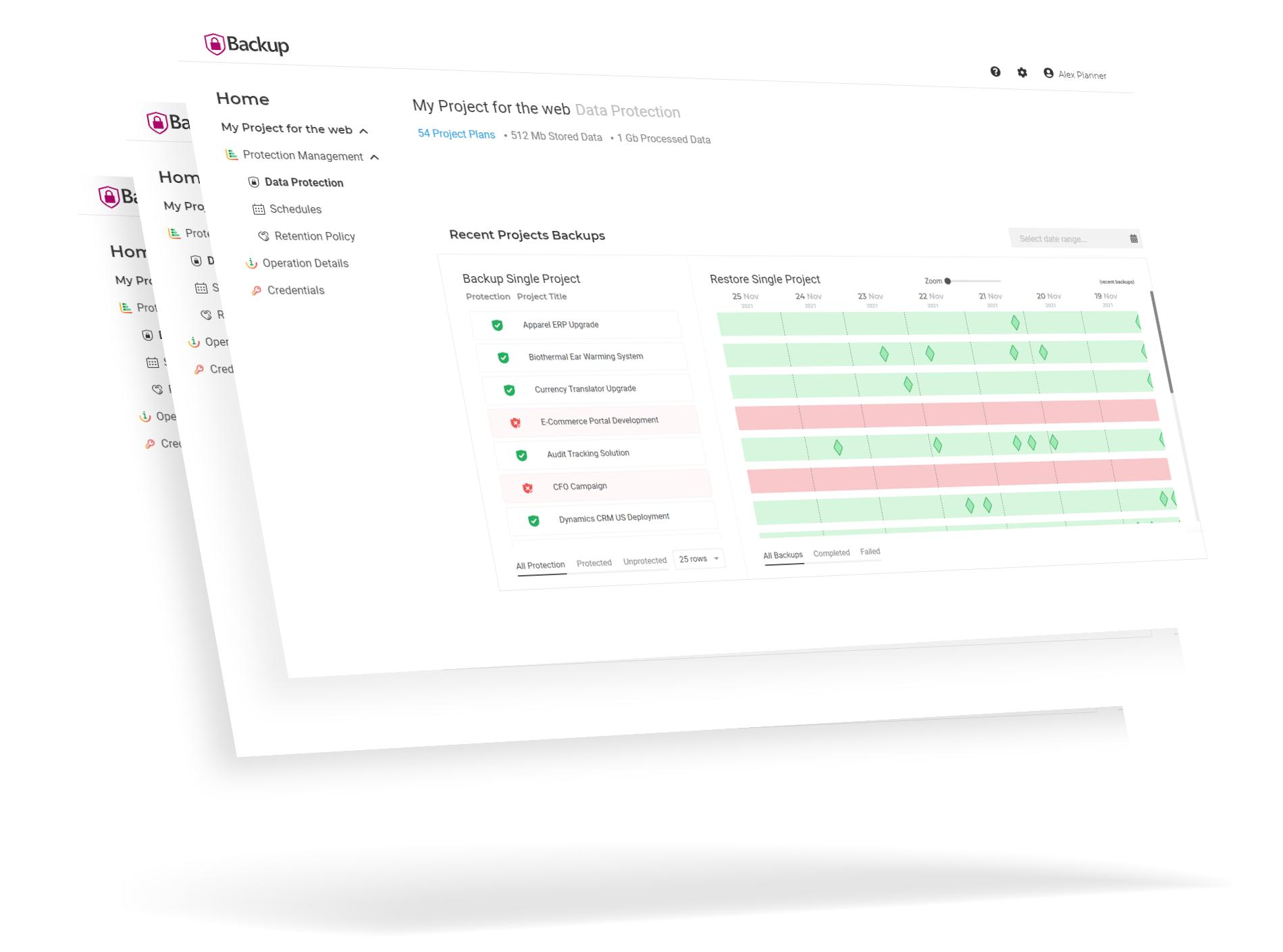
FluentPro Backup is a cloud-based platform that provides automated continuous backup and restore for your Microsoft Planner Premium. The platform helps reduce the damaging consequences associated with data loss and human errors.
This robust solution enables you to recover any backup version automatically when accidental deletion happens.
We would like to thank you for the professional service. The process was very clear and smooth. It was a pleasure working with you!
David Avraham IS Engineer
G.A. Suite saves us a lot of manual work. Just entering information once on the productive site and then transferring saves costs, time and nerves. Plus, it produces less errors.
Wolfgang Braun Manager Corporate PMO
Our productivity is greatly improved…Without FluentBooks, some of the operations I perform would not be possible otherwise, so the tool is a lifesaver.
Steve Miljanov Senior PMO Administrator
Based on consulting costs from a previous migration effort, we estimate that we saved over $80K by using FluentPro’s services.
Dan Cullerton Sr. Program Manager
As the system is very user-friendly, I have independency in file recovery – without the need to relay to an IT team and more complex backups
Idan Bar-Asher Project Manager
FluentPro DataMart is good value for money. FluentPro are very customer-centric and deliver products that accelerate project effectiveness.
Transport for London
Having these tools has led to keeping the administration level down and reducing the need for additional PMs.
Daniel Taddeo Senior Manager
The biggest time savings for us is the FluentBooks Bulks Resource update tool. That feature alone is worth the cost of the license!
Brian Nann Senior Manager
I really appreciate you all being on top of a problem I had setting up my backup… FluentPro really came through for us. This kind of communication is HUGE and appreciated.
Paul James Solution Architect
99%
Secure
Data is encrypted and remains under your control
97%
Protected
Data in Microsoft Planner Premium
93%
Automated
Backup and restore Solution
91%
Reduced
Risks of human errors and data loss
How to do Microsoft Planner Premium backup?
Connect your environment
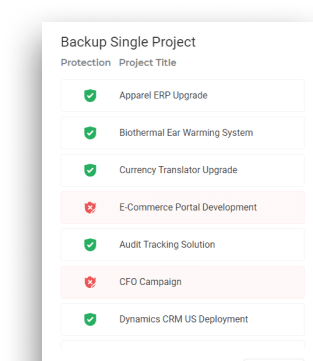
Select all or specific projects and tasks to back up
Connect your Planner Premium environment to FluentPro Backup.
Choose which Planner Premium plans to include in the backup.
Configure how often backups should occur.
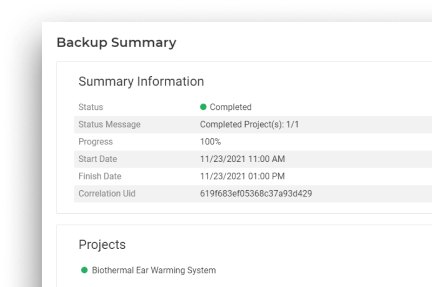
The backup process begins automatically based on your scheduled settings.
Following these steps, you can securely backup Planner Premium data using FluentPro Backup, ensuring data safety and easy recovery when needed.
How to do Microsoft Planner Premium restore?
To restore Microsoft Planner Premium data using FluentPro Backup, follow these steps:
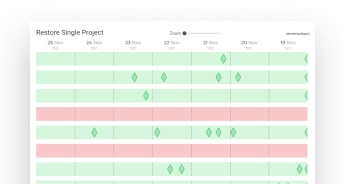
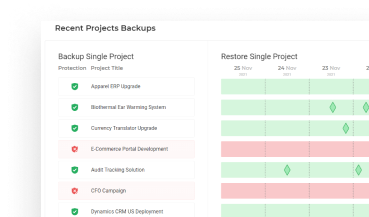
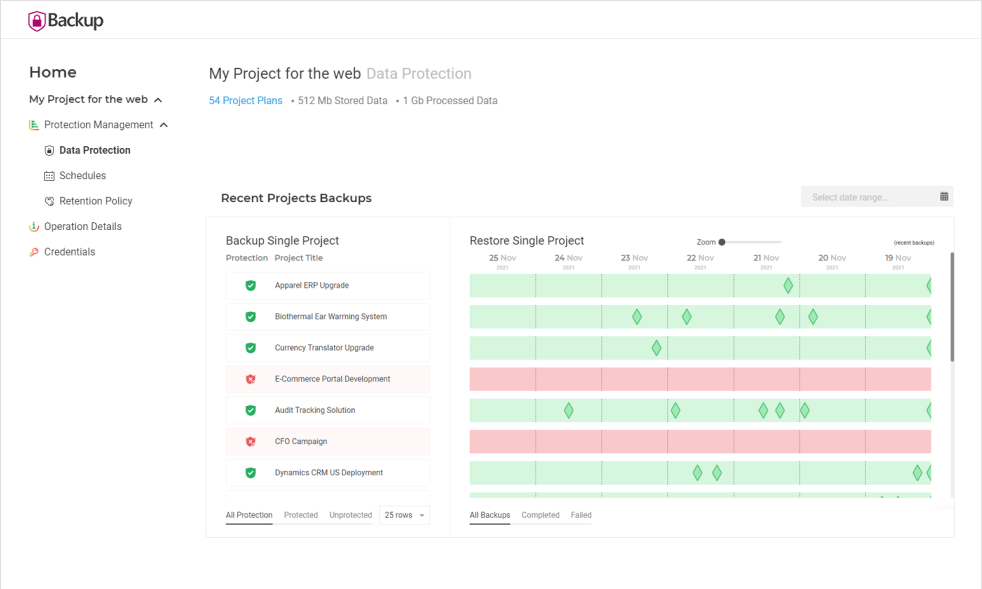
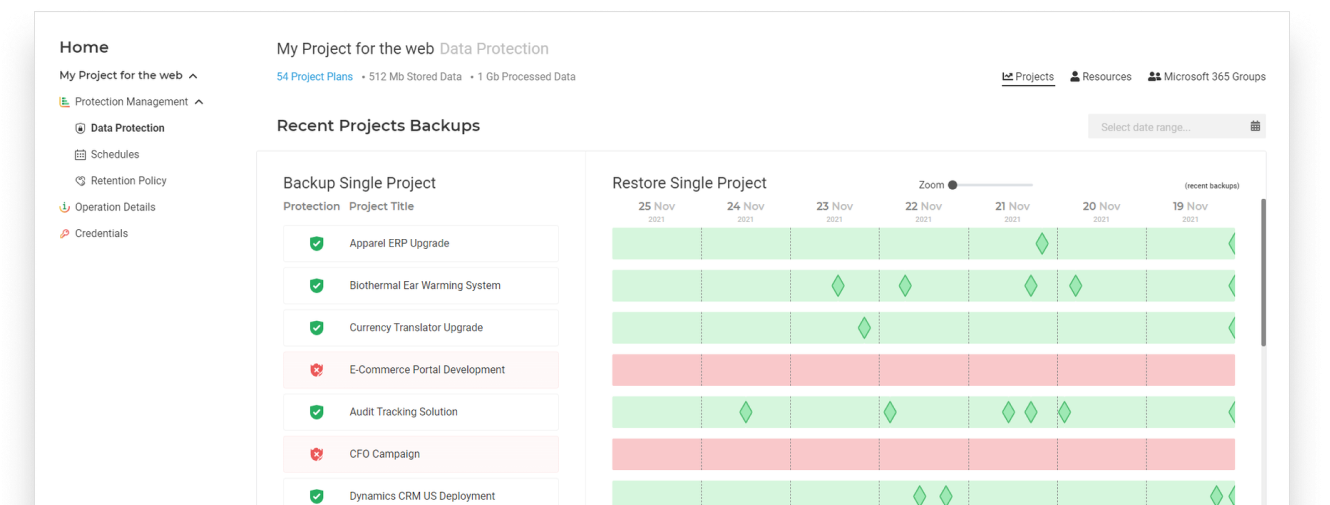
Go to the ‘Data Protection’ page to view the list of available backups.
Locate the Planner Premium plan you want to restore using the search or filter options.
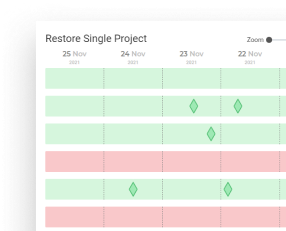
Configure the necessary restore settings like restoring the plan as a copy, overwriting an existing one, or merging restored data with an active plan.
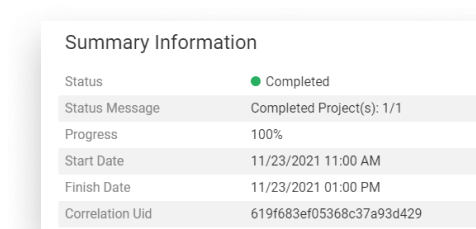
Launch Planner Premium restore and track its status to ensure successful completion.
Following these steps, you can efficiently restore Microsoft Planner Premium using FluentPro Backup, ensuring minimal disruption and seamless data recovery.
What file format are your backups stored in?
We use an internal file format for storing backups, explicitly designed for use with FluentPro Backup. This format is optimized to support most data provided by the APIs of Project Management Systems. It enables us to restore nearly identical data to the original one.
Can all projects in our tenant, including newly created ones, be backed up automatically?
Yes, if you enable the option to back up all projects in your tenant, newly created projects will be included automatically. Additionally, you can use the “ignore” option to specify which projects should not be backed up. All other existing and newly created projects will still be backed up.
Is your service cloud-based, or do we need to install software on our servers?
FluentPro Backup is entirely cloud-based, so installing software on your on-premises servers is unnecessary.
Can you provide our backup files if we stop using FluentPro Backup?
Unfortunately, we cannot provide the backup files in a usable form. The backups are stored in an internal format that can only be restored using FluentPro Backup. Furthermore, the data is encrypted, so it would only be useful with our service even if shared.
Do you monitor the success of our backups from your side?
Yes, our Support Team monitors notifications about failed and completed backups with errors. They will contact you directly if any issues arise, except for cases involving expired or incorrect credentials. Notifications about credential issues are sent directly to you and include troubleshooting instructions. Additionally, we conduct internal health checks of FluentPro Backup to ensure smooth operation.
keywords
microsoft planner premium, planner premium, ms planner premium, new planner premium microsoft